Dell Pro 32 Plus P3225DE 31.5-inch Quad HD 5ms IPS USB-C Hub Monitor


Technical Specification
Product: Dell Pro 32 Plus P3225DE USB-C Hub Monitor
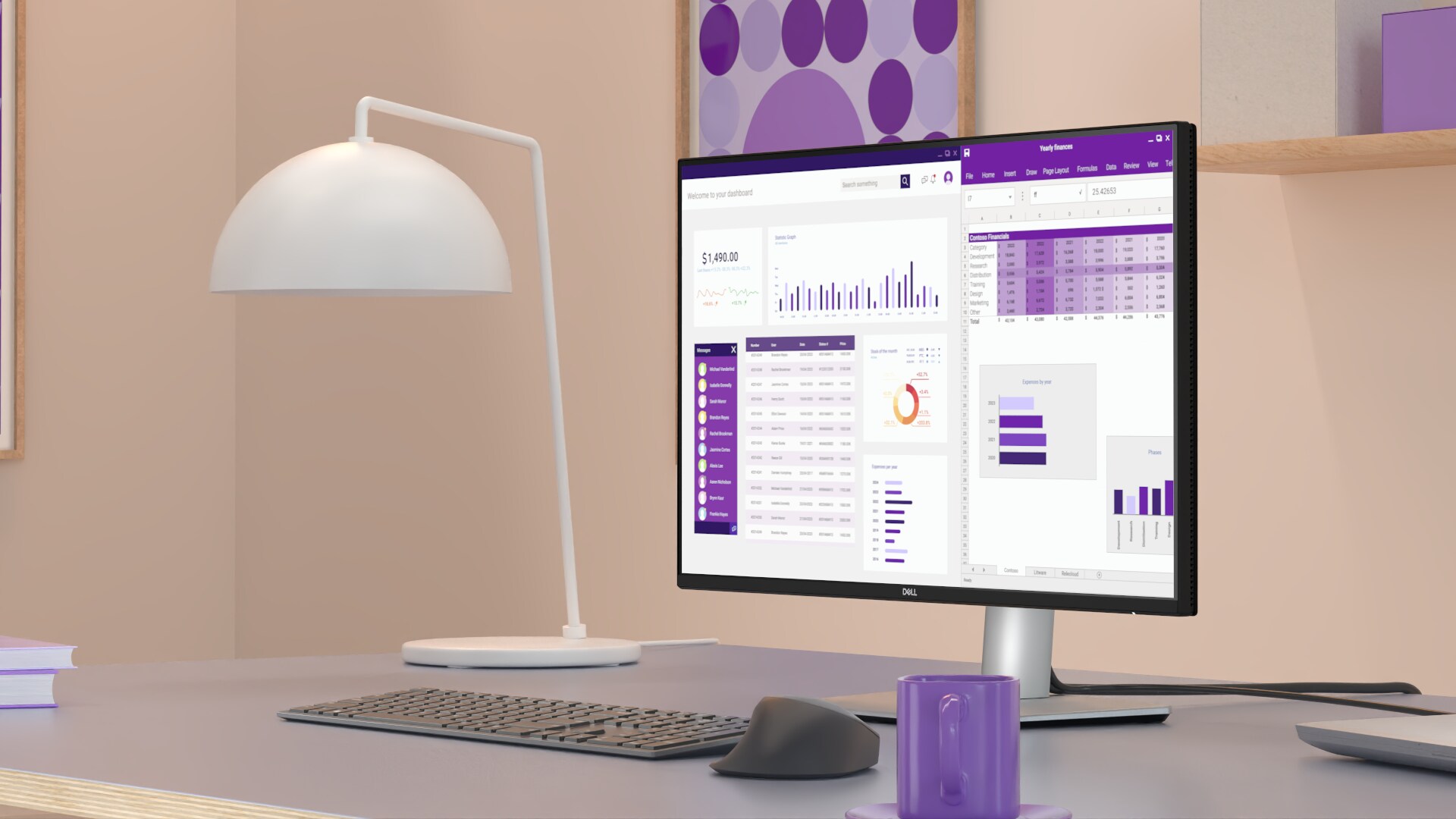
Display diagonal: 80 cm (31.5")
Display resolution: 2560 x 1440 pixels @ 100Hz
HD type: Wide Quad HD
Backlight technology: LED Edgelight System
Panel technology: In-plane Switching (IPS) Technology
Response time: 8ms GTG, 5ms GTG (Fast)
Native aspect ratio: 16:9
Brightness: 350 cd/m2
Native contrast ratio: 1,500:1
Viewing angle, horizontal: 178°
Viewing angle, vertical: 178°
VESA mounting: 100 x 100 mm
Stand adjustments: Pivot, Height, Swivel, Tilt
Maximum adjustable height: 150 mm
Tilt angle: -5° to 21°
Swivel angle: -30° to 30°
Pivot angle: +/-90°
USB Type-C (Power delivery) upstream port: Up to 90 W
USB Type-C (Power delivery) downstream port: Up to 15 W
Product colour: Black and Grey
Weight: 9.49 kg
Warranty: 3-year Advanced Exchange
Ports
- Security lock slot (based on Kensington Security Slot)
- Power connector
- Stand lock
- HDMI
- DisplayPort 1.4 (in)
- DisplayPort 1.4 (out)
- USB-C 5Gbps upstream (DP 1.4 Alt. mode, power delivery up to 90W)
- USB Type-A 5Gbps downstream (2)
- RJ45 Ethernet port, 1GbE
- Soundbar slots (2)
- USB-C 5Gbps downstream (Data only)
- USB Type-A 5Gbps downstream

Key Features
- Eye Comfort Technology
- sRGB
- Anti-glare
- Security Lock
- Narrow Bezel
- Cable Lock Slot
- Mercury-free
- Stand Lock
- Arsenic-free Glass
- BFR Free
- PVC Free

Stay productive with this 31.5-inch QHD monitor featuring extensive connectivity, and certified by TÜV for 4 star eye comfort.
Features & Design
Connectivity meets productivity
Single-cable solution
Transmit video, data, Ethernet and up to 90W power delivery all at once with USB-C.
Variety of ports
Including HDMI, DP, USB and RJ45 for stable Ethernet.
Work seamlessly
Daisy chain multiple monitors for efficient multitasking.
Works with devices on macOS®*
Tested with devices on macOS, this USB-C monitor is ready-to-work with Mac® devices.
-
Based on internal testing of select Dell monitors with USB-C or HDMI connection to devices on macOS, June 2024. Requires USB-C or HDMI connectivity. Some features may not be supported.*
Enhanced eye comfort
TÜV 4-Star certified monitor for eye comfort reduces eye fatigue while you work.
Improved ComfortView Plus
Reduced harmful blue light emissions to ≤35%, for all-day comfort without sacrificing colour.
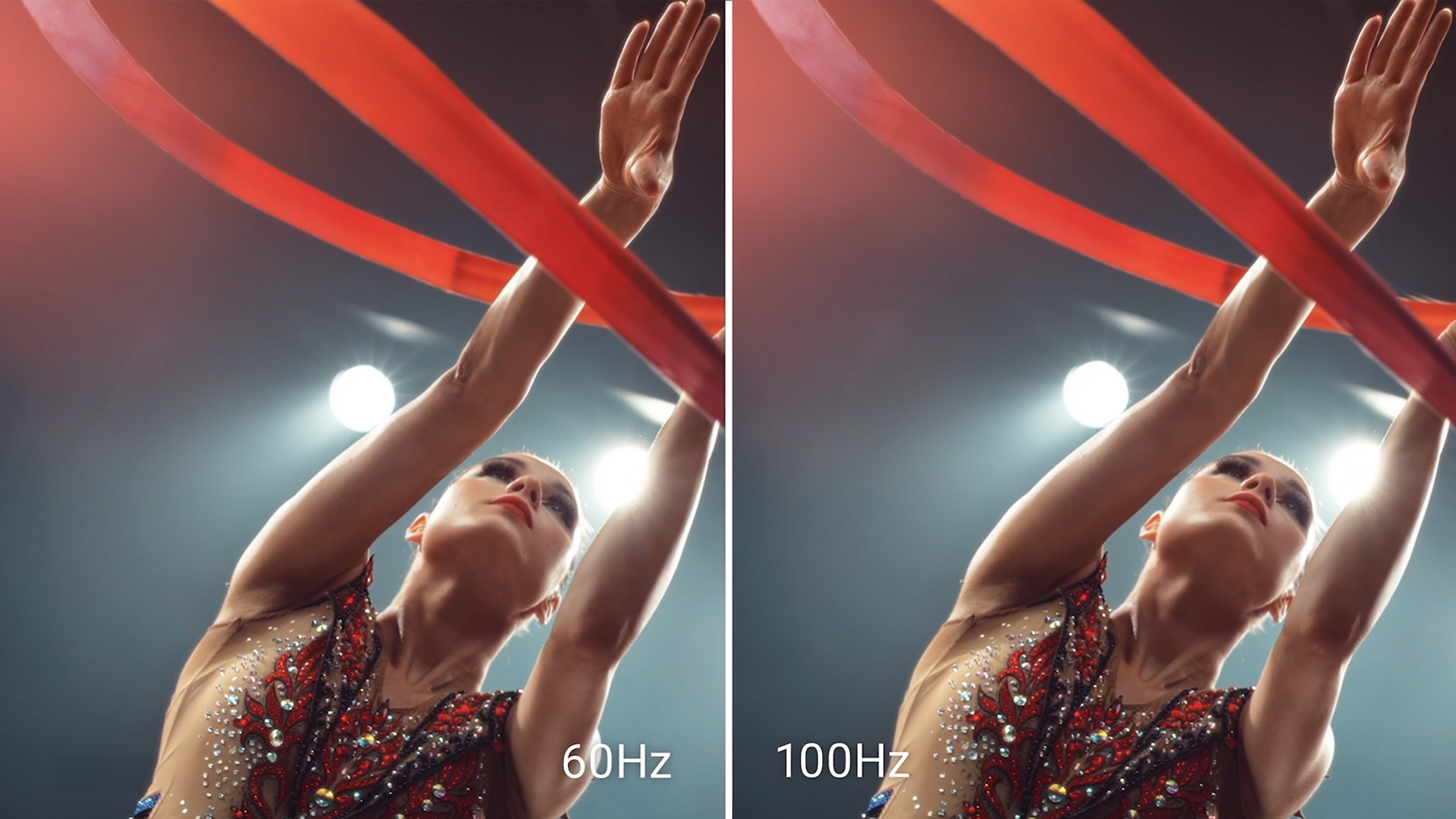
Refresh Rate
100Hz refresh rate delivers less flicker, more seamless scrolling and smoother motion.
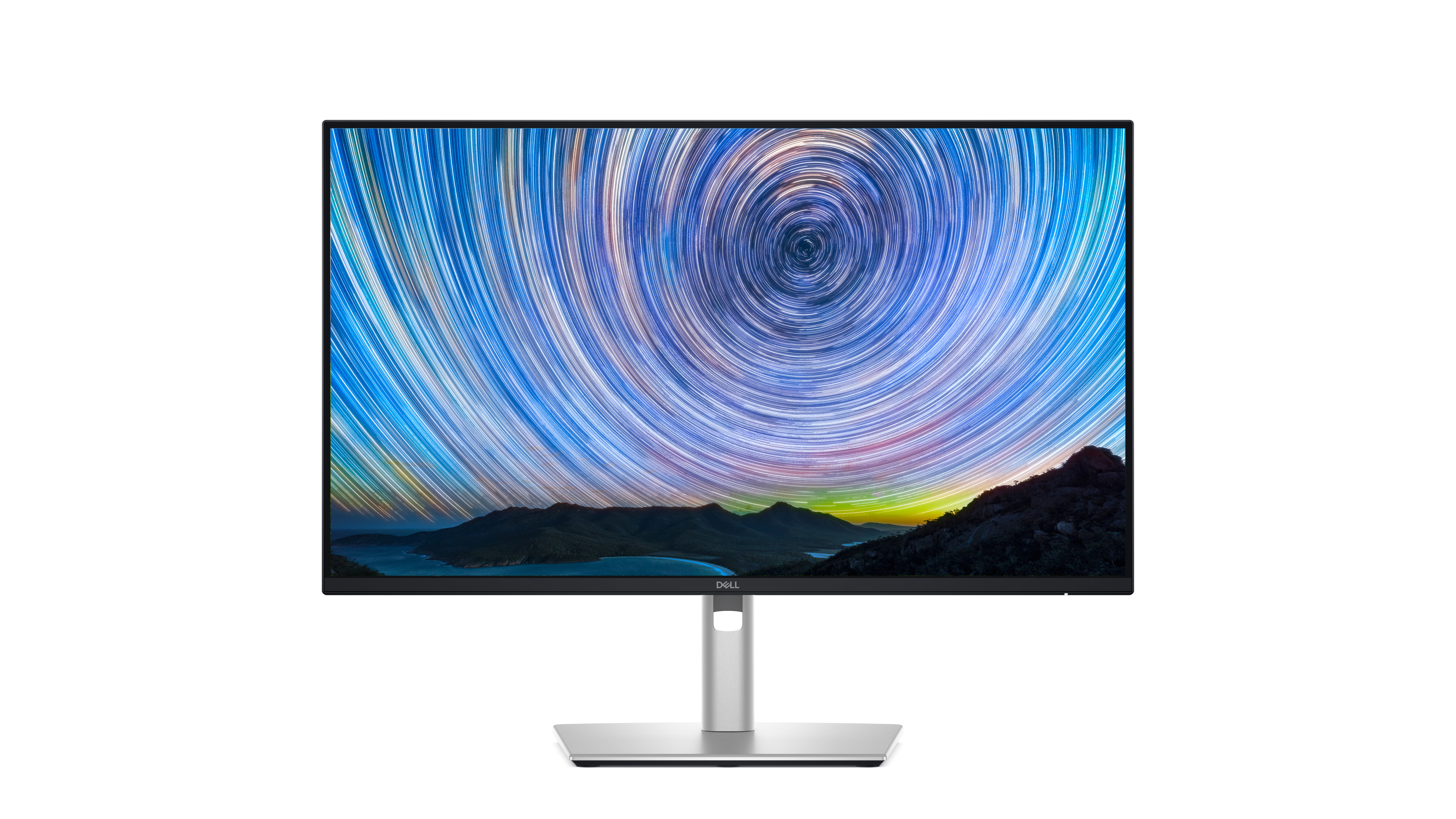
Vivid Colours
Wide colour coverage with up to 1.07b displayable colours of 99% sRGB.

Clarity from any angle
With high resolution and improved contrast ratio, your work has never looked this good.
QHD resolution
2560 x 1440 resolution makes every detail stand out.
Colour consistency
Vibrant colours across wide viewing angles enabled by In-Plane Switching (IPS) technology.
1500:1 contrast ratio
For deeper blacks and brighter whites.
Quick access ports
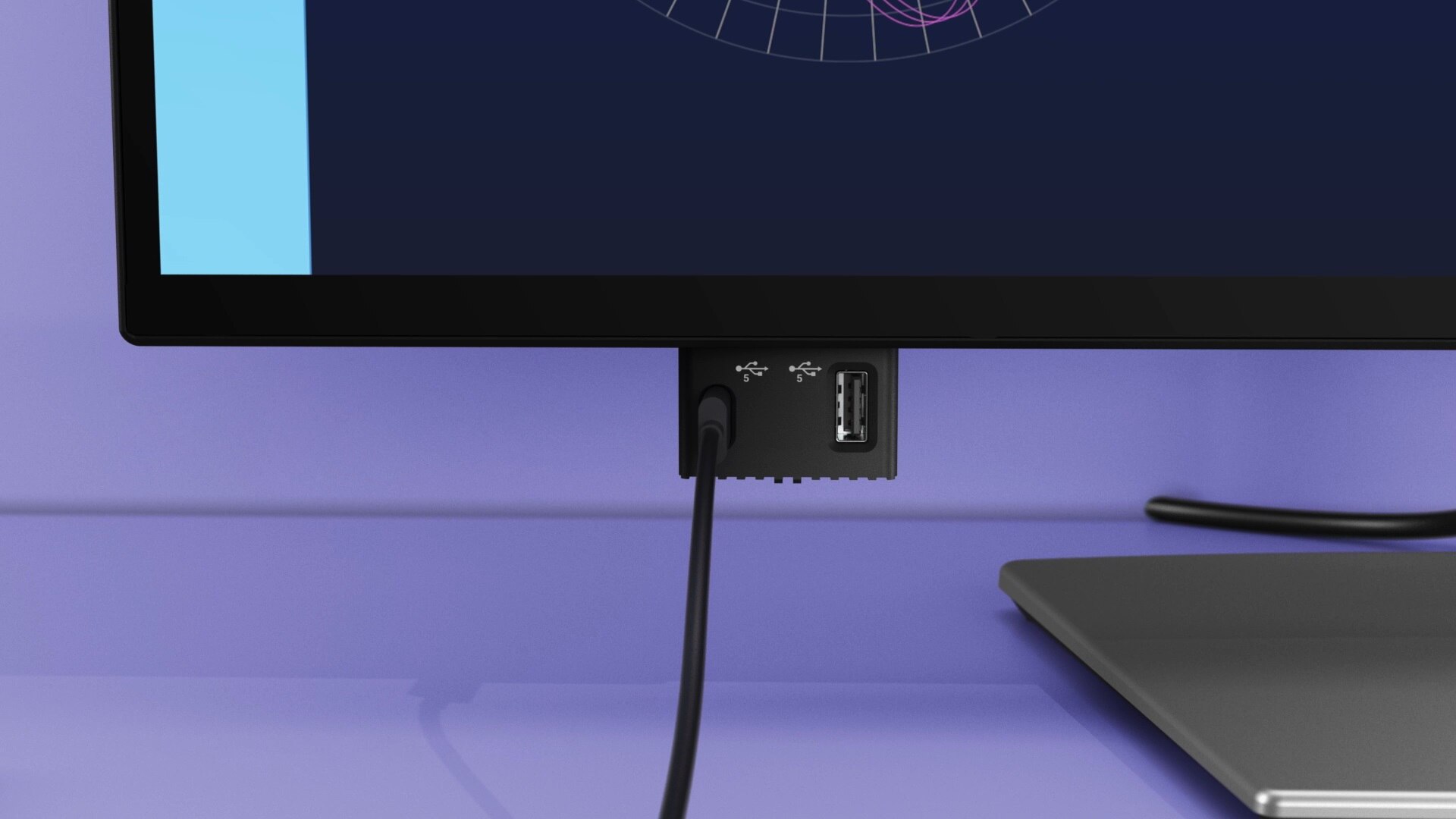
Experience the convenience of front-facing, pop-out USB-C (with up to 15W charging) and USB Type-A ports for easy connectivity. When you are done, just pop the ports back in for a clean look.
Work in comfort
Designed for comfort and style with adjustability features and an ultra-thin bezel.
- Tilt
- Swivel
- Pivot
- Height
Dell Display and Peripheral Manager
Experience Dell’s singular, innovative application to optimise the performance of your entire Dell PC workspace.
Maximise productivity
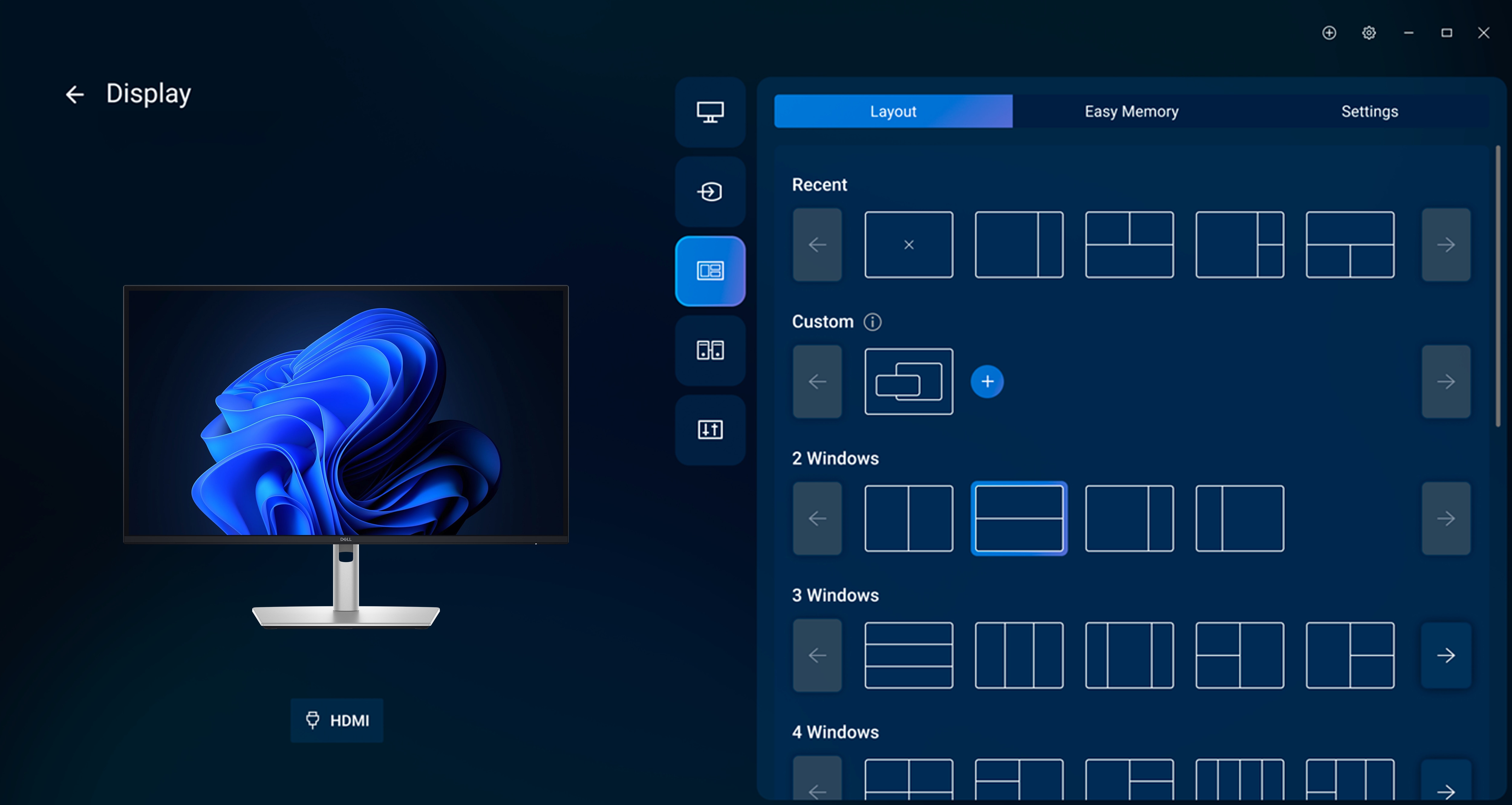
Easy Arrange tiles apps across screens with pre-set partitions and customises up to five windows, enhancing multitasking. Easy Arrange Memory saves and restores app profiles manually, on schedule, or at start-up.
Customise your views
Work comfortably, day or night. Automate your brightness and contrast settings to match your schedule.
More manageable
Save time and boost IT efficiency with the Dell Device Management Console to manage your Dell peripheral fleet at scale, from a single cloud-based console. Discover expanded Command Line Interface features from Dell Display and Peripheral Manager.
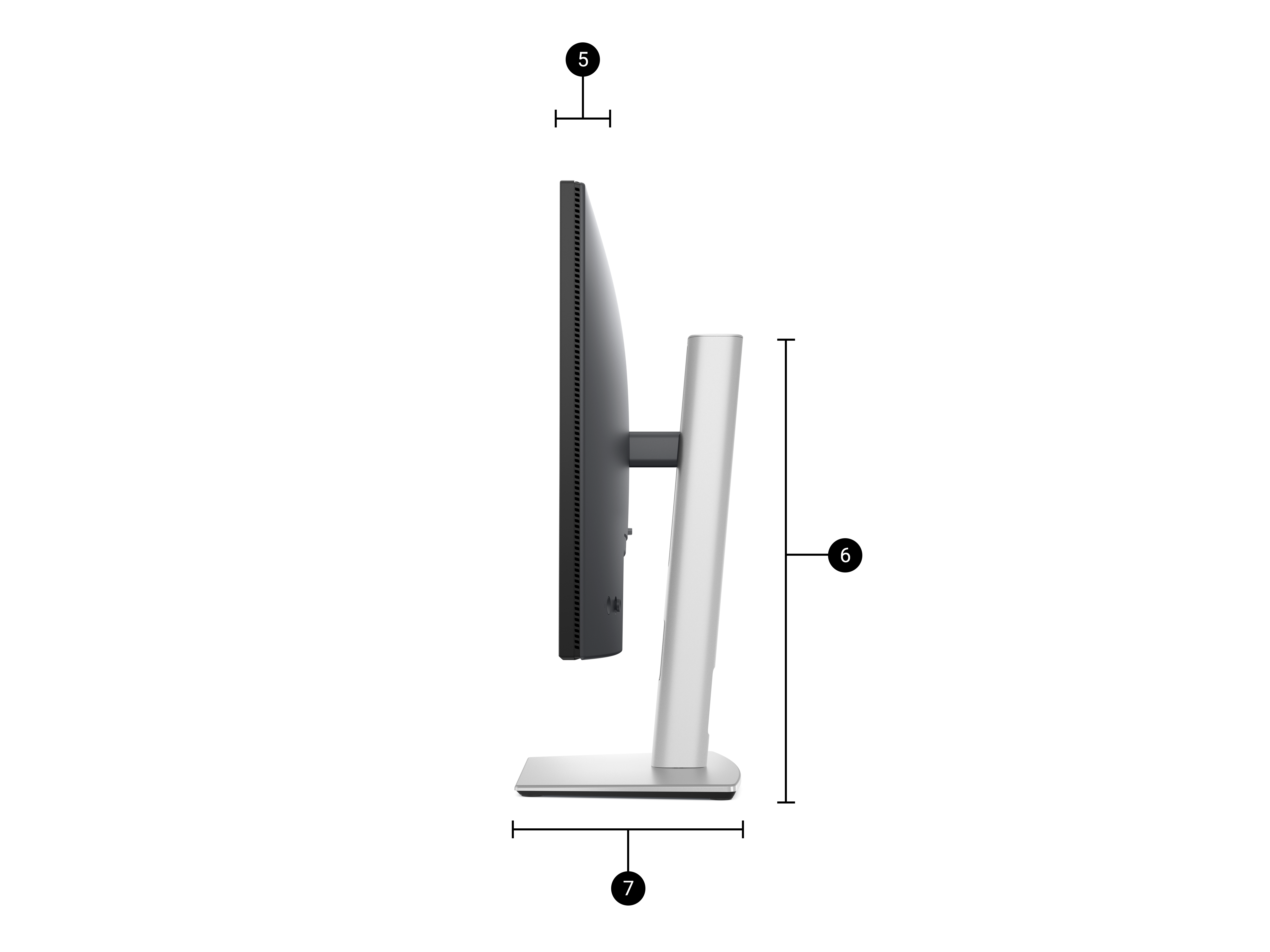
Dimensions
- Monitor height with stand (extended/compressed): 619.00 mm / 469.00 mm
- Monitor width: 713.40 mm
- Monitor height: 413.15 mm
- Stand width: 287.50 mm
- Monitor depth: 49.95 mm
- Stand height (extended / compressed): 483.30 mm / 436.42 mm
- Stand depth: 215.00 mm